Ghost Mannequin Photography for Fashion: The Complete Guide (2026)
Ghost mannequin photography shows the shape of a garment with no body inside. Here is what it is, how it works, and how to produce it from one product without a studio.
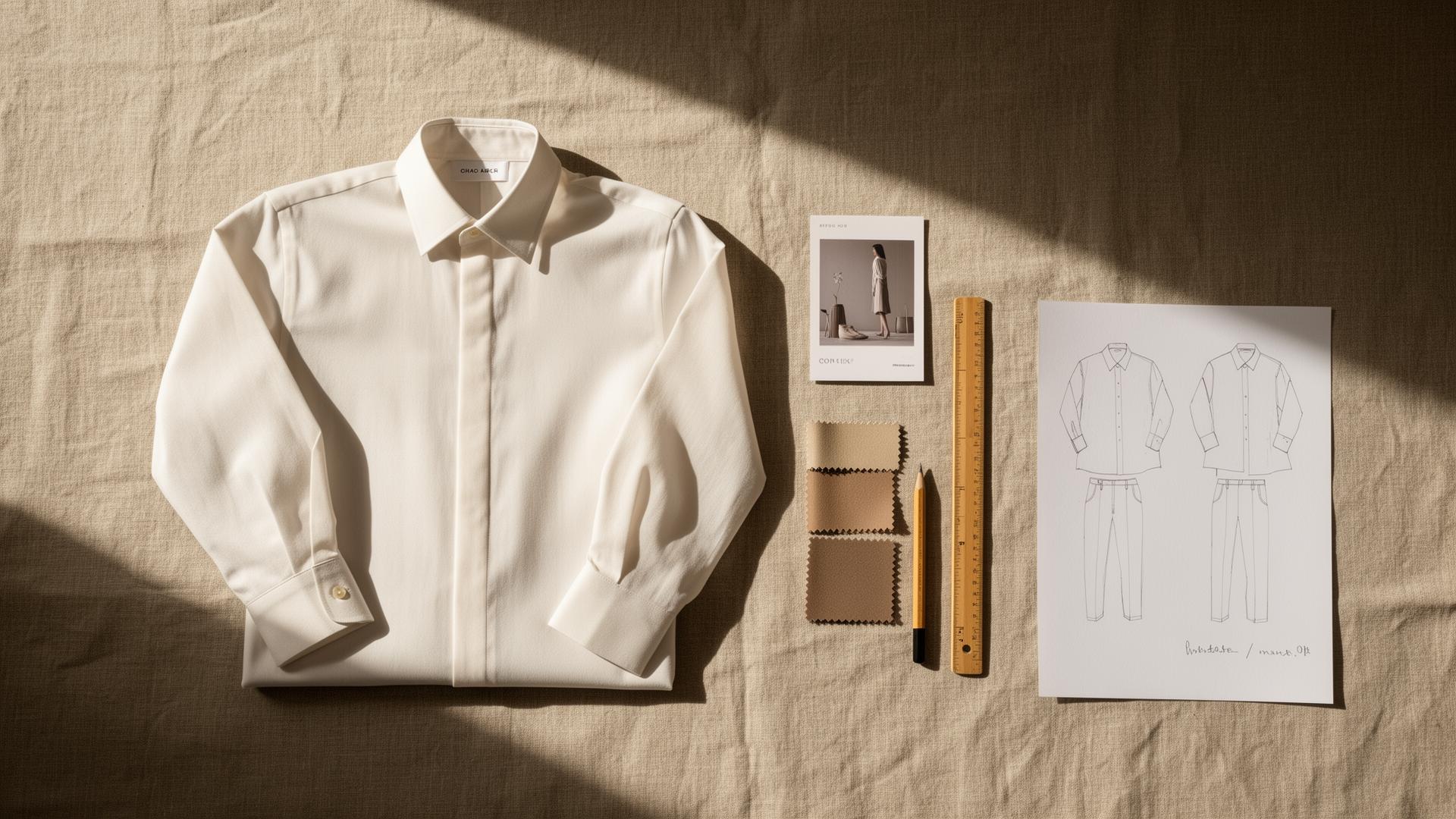
You have a rail of samples and a launch date. The product is approved. The page is empty.
So you book a studio, a steamer, a stylist, and a day you do not really have. Then you wait for edits. Then a colorway arrives late and you book the studio again. The product was ready weeks ago. The images are what is holding the launch.
Ghost mannequin photography is the format that fixes most of this. It shows the true shape of a garment with no body and no hanger in the way. This guide covers what it is, why it sells apparel, how it is made the old way, and how to produce it from one approved product without booking a studio for every shot.
If you only read one thing
- Ghost mannequin photography shows a garment in its worn shape with the body removed. It is also called the invisible mannequin or hollow man effect.
- It sells because shoppers judge fit from shape. A flat lay flattens the garment. A ghost shot keeps the drape, the collar stand, and the cut.
- The old way is a shoot plus heavy compositing. You photograph the garment on a form, shoot the inner neck, then composite and clean up in post.
- AI can produce the same look from one product image, including every colorway, with a person approving each result for product accuracy.
- Ecommerce should not start after the product is approved. It should start with the product. Kampana builds ghost mannequin and the rest of the PDP from one product node.
What is ghost mannequin photography?
Ghost mannequin photography is a product photography technique where a garment is shown in its natural worn shape, but the mannequin or model inside it is removed from the final image. The clothing looks filled out and three dimensional, as if an invisible person is wearing it.
It goes by a few names. Invisible mannequin. Hollow man. Ghost effect. They all describe the same result: the form of the garment without the form of a body.
The format is the default for apparel on most large retailers because it does one job very well. It shows the cut and drape of a garment cleanly, on a plain background, in a way that looks consistent across a whole catalog.
Here is how the main apparel image formats compare at a glance:
| Format | What the shopper sees | Best for |
|---|---|---|
| Flat lay | Garment laid flat, from above | Texture, prints, fast catalog work |
| Hanger shot | Garment on a hanger | Quick, low cost, low polish |
| Ghost mannequin | Worn shape, no body | Cut, drape, fit, clean catalog |
| On-model | Garment on a person | Styling, scale, lifestyle context |
The point of the table is that each format answers a different question. Ghost mannequin answers the one shoppers ask most about clothing they cannot touch: what shape is this, really.
Why ghost mannequin shots sell apparel
Online, a shopper cannot feel the fabric or try the garment on. They judge it from images. With apparel, the first thing they need to read is shape.
A flat lay flattens the garment. The collar, the drape, and the way a sleeve falls all disappear when the piece is pressed flat on a table. A hanger shot keeps some shape but adds clutter and looks low effort. A ghost mannequin shot keeps the worn shape and removes the distraction.
There are three reasons the format earns its place on a product page:
- It shows fit without a model. The shopper sees how the garment sits on a body shape, without you casting, scheduling, or styling a person.
- It stays consistent across the catalog. Every product on the same clean background, in the same shape, makes a brand look organized and trustworthy.
- It cuts returns by setting expectations. When the shape on the page matches the garment in the box, fewer people send it back. Returns are one of the biggest costs in fashion ecommerce, and clear product imagery is a direct lever on them.
A product page is not a product photo with a paragraph under it. It is a system. The ghost mannequin shot is the anchor image in that system for most apparel categories.
How ghost mannequin photography works (the old way)
It helps to understand the traditional process before you decide how to produce it. The classic method is part photography and part retouching.
1. The shoot
The garment goes on a mannequin or a body form, usually one with detachable parts. A stylist steams and pins the piece so it sits clean. The photographer shoots it on a plain, evenly lit background, often with a sweep or a light table to make cutout easier later.
This stage needs space, lighting, a form, and a person who knows how to make a garment sit right. For a small brand, that is a studio day and a styling budget per shoot.
2. The neck join and inner crops
The trick that makes the effect work is the inside of the garment. After the main shot, the back or inner section of the collar is photographed separately, often by removing the front of the mannequin and shooting the lining.
This second capture is what lets the editor show the inside neck through the collar opening, so the garment reads as fully hollow rather than open at the back.
3. Compositing and cleanup
In post, the editor cuts the garment out of the background, removes the mannequin, and composites the inner neck shot into the collar opening. They then clean stray threads, fix symmetry, even out the lighting, and match color to the real sample.
Done well, the result is excellent. The cost is time and money per garment, and the bottleneck repeats for every new style and every colorway. That repetition is the part AI changes.
Ghost mannequin vs flat lay vs on-model
You do not have to pick one format forever. Most strong product pages use a few. The question is which one leads.
| Flat lay | Ghost mannequin | On-model | |
|---|---|---|---|
| Shows shape | Weakly | Yes | Yes |
| Shows fit on a body | No | Implied | Yes |
| Production cost | Low | Medium (or low with AI) | High |
| Catalog consistency | High | High | Lower |
| Best as | Detail or texture shot | Main PDP image | Lifestyle and styling |
For most apparel, the ghost mannequin shot is the main image, on-model shots add styling and scale, and flat lays cover texture and detail. The good news is that when you generate from one approved product, you can produce all three from the same source instead of running three separate shoots.
How to produce ghost mannequin images with AI
You do not need a studio to get a clean ghost mannequin shot. If you have one decent photo of the garment, you have a starting point. Here is a simple sequence:
- Start with what you have. One clear photo of the garment, flat, on a hanger, or on a form. It does not need to be the final shot.
- Remove the background. A clean cutout is the base for everything else: the ghost shot, the marketplace image, and the ads.
- Generate the ghost mannequin shape. The tool fills the garment into its worn shape and removes the body, including the inner neck.
- Approve for product accuracy. Check the color, the cut, the collar, and the drape against the real sample. This is the step that protects you.
- Recolor for every variant. Generate each colorway from the one approved shape instead of shooting each color separately.
- Export channel-ready files. Save the sizes and formats your store and your marketplaces need.
Ecommerce should not start after the product is approved. It should start with the product. The moment a sample is approved, the product image can become the ghost shot, the colorways, and the rest of the page.
What good ghost mannequin output looks like
Not every automated cutout is usable. A good ghost mannequin image holds up to a buyer looking closely. Check for these:
- A clean, even edge. No haloing, no jagged cutout, no leftover background fringe.
- A believable inner neck. The collar opening should show the inside of the garment, not a flat hole or a smear.
- Symmetry that matches the real cut. Shoulders level, sleeves even, hem straight, unless the garment is intentionally asymmetric.
- True color. The shade on screen should match the sample and the colorway name. This is where most cheap automation fails.
- Preserved texture. Knit, weave, ribbing, and seams should read as fabric, not as a smooth plastic surface.
If any of these are off, the image is not done. The fix is not to lower the bar. It is to use a process with an approval step so a person signs off before the shot ships.
Common ghost mannequin mistakes and how to fix them
The garment looks flat or stuffed
A ghost shot should read as worn, not crammed onto a form. If it looks flat, the shape generation is weak. Use a tool that builds a realistic worn shape from the garment, and start from a cleaner input photo where you can.
The inner neck is wrong or missing
This is the detail that breaks the illusion. If the collar opening shows a flat hole, the inside fill is missing. Use output that renders a believable inner neck, and reject any image where the collar reads as a cutout instead of a hollow garment.
The color is off
A teal that ships as navy is a return and a complaint. Always compare the rendered color to the real sample and the colorway name before approval. For exact matches, recolor to a specified value rather than eyeballing it.
Every colorway needs a new shoot
This is a process problem, not an image problem. Shoot or generate the base once, approve it, then produce each colorway from that one approved shape. Waiting for every color to arrive before you build the page is what makes launches slip.
Inconsistent backgrounds across the catalog
If one product sits on pure white and the next on light gray, the catalog looks sloppy. Standardize the background and the framing so the whole range matches.
Ghost mannequin images and marketplace rules
A great image is not enough if it fails a feed check. Marketplaces have rules for product images, and ghost mannequin shots usually fit them well because they are clean and on a plain background.
If you sell through Google Shopping, your main image needs to meet the Google Merchant Center image requirements, which favor a clear product on a plain background with no promotional text or watermarks. If you sell on Meta, the Meta commerce catalog has its own image and attribute rules. Amazon's apparel guidelines famously require a pure white main image, which is exactly what a ghost mannequin shot delivers.
The practical takeaway: a clean ghost mannequin image on a plain background is one of the safest formats for passing marketplace image checks. Pair it with correct feed attributes and you reduce the risk of a disapproved listing.
What to look for in a ghost mannequin tool
A short checklist when you evaluate options:
- Works from one product image, not only from a full studio capture.
- Produces a believable inner neck and worn shape, not a flat cutout.
- Recolors to exact values so every colorway matches the sample.
- Keeps fabric texture instead of smoothing the garment into plastic.
- Has an approval step and a product-fidelity check before anything is final.
- Exports channel-ready files that meet Google and Meta image rules.
- Connects to the rest of the PDP, so the ghost shot, on-model images, copy, and feed come from one product.
The last point matters most. A ghost mannequin image on its own is one asset. The launch needs the whole page.
How ghost mannequin imagery affects your launch
Here is the part most articles skip. Product imagery is not a finishing touch. It is often the thing that decides your launch date.
When images depend on a studio day per style and per colorway, the calendar bends around shoot availability and edit turnaround. The product is ready, but the page is not. The launch waits.
When the ghost shot and the colorways come from one approved product, the page is ready when the product is. You launch on the date you planned, not the date the studio had open. And because the shape on the page matches the garment, you set expectations correctly and take fewer returns.
So the real question is not "can I get a nice ghost mannequin photo." It is "can my product imagery keep up with my product." That is a process question, and it is the one Kampana is built to answer.
How Kampana handles ghost mannequin imagery
Kampana is an AI product creation OS for fashion brands. It builds product imagery as connected steps on a node-based canvas. You drop one product at the center and wire it to the assets you need: background removal, ghost mannequin shape, on-model shots, recolor for each variant, detail crops, and the full PDP. Product-accurate assets pass an approval gate and a product-fidelity check before they are marked final.
What you get
- A clean ghost mannequin shot with a believable worn shape and inner neck
- Every colorway from one approved base, recolored to exact values
- On-model and detail images from the same product
- A complete PDP pack: copy, imagery, video, fit guidance, alt text, SEO, and feed attributes
- Channel-ready files that fit marketplace image rules
The old way vs Kampana
| The old way | With Kampana | |
|---|---|---|
| Capture | Studio day per style | One product image as input |
| Colorways | A shoot per color | Recolor from one approved shape |
| Inner neck | Separate capture and composite | Generated and reviewed |
| Approval | Ad hoc edits | Approval gate + product-fidelity check |
| Beyond the image | Separate tools for PDP and feed | One canvas to the full PDP |
| Pricing | Per shoot, per seat | Shared credits, unlimited users |
How it works
- Drop one product on the canvas.
- Remove the background and generate the ghost mannequin shape.
- Approve each product-accurate asset, then recolor for every variant.
- Export channel-ready files, or build the full PDP pack from the same product.
Pricing is credit-based. One shared pool for the whole workspace, unlimited users, no per-seat fees, and credits do not expire. As a rough guide, the ecommerce PDP asset pack runs 1,500 to 5,000 credits depending on how many images, colorways, and outputs you generate. You spend on what you actually produce.
Frequently asked questions
What is ghost mannequin photography?
It is a product photography technique that shows a garment in its worn shape with the body or mannequin removed from the final image. It is also called the invisible mannequin or hollow man effect. The result looks like an invisible person is wearing the clothing, which shows the cut and drape clearly on a plain background.
Why is it called the invisible mannequin or hollow man effect?
Because the garment is photographed on a real mannequin or body form, and the form is then edited out so the clothing appears to hold its own shape. The names all describe the same outcome: the shape of the garment without a visible body inside it.
Do I need a studio to get ghost mannequin images?
No. The traditional method uses a studio, a form, and retouching, but tools like Kampana can generate a ghost mannequin shot from a single product image. You still review each result for product accuracy before it ships.
Is AI-generated ghost mannequin imagery good enough for a real product page?
For many brands, yes, as long as the output is product-accurate and approved by a person. The image should show a believable worn shape and inner neck, keep fabric texture, and match the real color. The goal is a complete, accurate PDP, not one image that looks fine in a thumbnail.
Does a ghost mannequin image meet marketplace requirements?
Usually yes. A clean product on a plain background with no text or watermark fits the Google Merchant Center image requirements and the Meta commerce catalog rules, and it matches Amazon's pure white main-image standard for apparel. Pair the image with correct feed attributes to avoid disapprovals.
How do I get every colorway without shooting each one?
Generate or shoot the base garment once, approve it, then recolor that one approved shape to each variant. Recoloring to an exact value keeps every colorway true to the sample, so you do not wait for each color to arrive before building the page.
How is ghost mannequin different from on-model photography?
A ghost mannequin shot shows the garment's worn shape with no person, which is clean and consistent for a catalog. On-model photography shows the garment on a real or AI model, which adds styling, scale, and lifestyle context. Most product pages use both, plus flat lays for texture.
Can I keep fabric texture and detail in an AI ghost mannequin shot?
Yes, with a tool built for product fidelity. Knit, weave, ribbing, and seams should read as real fabric, not a smoothed surface. If texture is lost, the output is not usable, which is why an approval step matters before the image ships.
The bottom line
Ghost mannequin photography is the cleanest way to show what a piece of clothing actually is: its shape, its drape, and its cut, with nothing in the way.
The format has not changed. The way you produce it has. You no longer need a studio day for every style and a reshoot for every colorway. From one approved product, you can generate the ghost shot, the variants, and the rest of the page, with a person approving each result for product accuracy.
If you want your product imagery to keep up with your product, so the page is ready when the sample is approved, that is exactly what Kampana is built for. Start creating, free, or build a complete PDP pack to see the full set.
Send one product URL. Kampana turns it into a mini campaign pack.