How to Create a Fashion Technical Design Pack with AI
AI will not replace your technical designer. It will give them a starting pack so they spend their time validating, not formatting. Here is the workflow to turn a sketch or render into a structured technical design assist pack.
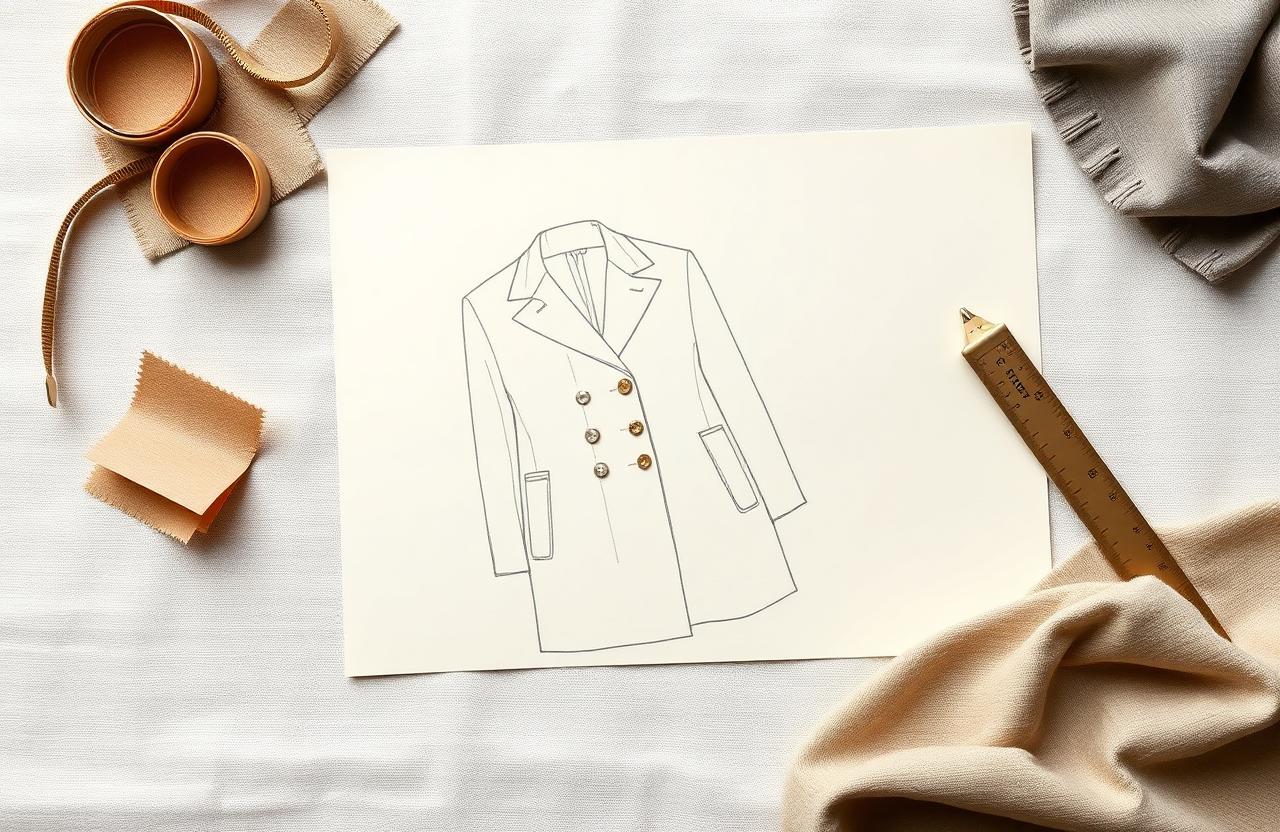
How to Create a Fashion Technical Design Pack with AI
AI does not replace your technical designer. It gives them a starting pack so they spend their time validating construction, not formatting a spreadsheet. This guide walks through the operational workflow to turn a sketch, a 3D file, or a reference garment into a structured technical design assist pack - BOM draft, POM draft, construction notes, grade rule starting point, callouts, and a tech-pack-ready PDF - that the senior technical designer signs off on, not the AI.
This is written for technical designers, product developers, head designers, and production managers who already operate in a PLM (Centric, PTC FlexPLM, Bamboo Rose, Backbone, Surefront) and ship tech packs to overseas factories. It walks through the Kampana Generate a Technical Design Assist Pack workflow end to end, with the explicit understanding that every section is a draft the technical designer revises - not a final document the factory works to without review.
Table of contents
- How the workflow works
- Where AI helps and where it does not
- 6 things to decide before you start
- 10 steps to a tech-pack-ready draft
- BOM and POM discipline
- Grade rules and fit risk
- Construction notes and tolerances
- Common mistakes to avoid
- FAQ
- Checklist before you ship
How the workflow works
A factory-ready tech pack is the single most expensive document in product development to get wrong. A missing tolerance, a wrong stitch density, a misplaced label, a missing POM, or a wrong grade rule costs a fit revision at proto, a remake at SMS, or worst case a delayed PP at bulk. The cost of those mistakes is measured in weeks of lost calendar, not in design time.
The Kampana approach is opinionated about that:
- The AI generates a draft from a brief that already includes the construction reference, the silhouette family, and the fit block.
- Every section is flagged as confidence high / medium / low. Low-confidence sections are queued for the technical designer.
- BOM, POM, and grade rules are never finalized by the AI - they are scaffolded.
- Output is structured to the brand's PLM template so import is mechanical, not a copy-paste exercise.
The full workflow is documented at /workflows/technical-design-assist-pack. The version below is the practitioner's view.
Where AI helps and where it does not
AI helps with:
- Drafting BOM line items from a reference image and a fabric library.
- Drafting POMs from a fit block and a silhouette family.
- Standardizing construction notes against the brand's construction library.
- Generating callouts on the flat sketch (label placement, hardware location, topstitch position).
- Formatting and exporting to the brand's PLM template.
AI does not help with:
- Final tolerance decisions for fit-sensitive POMs.
- Grade rule lock for a new fit block.
- Stitch type and density decisions on a fabric the brand has not used before.
- Approval of a sustainability or compliance claim on the BOM.
- Any decision that requires touching the actual garment.
Treat the AI as the first-pass technical assistant a senior would otherwise spend three days training every quarter.
6 things to decide before you start
1. Which fit block is the garment built on?
Brand-owned blocks (slim, classic, relaxed, oversized) with their pre-graded base patterns and approved POM ranges. If the garment is on a new block, the workflow output is a draft only - the new block needs a fit session before the pack ships to factory.
2. Which construction reference are we using?
A reference garment (graded existing SKU), a 3D file (CLO3D, Browzwear, Optitex), a designer flat, or a third-party sample. Each carries a different fidelity and a different revision burden.
3. Which factory and which sourcing region?
Construction notes, stitch types, machinery availability, and trim sourcing differ by factory. A pack written without naming the factory generalizes - and the factory's first reply will be a list of clarifications.
4. What is the calendar?
Proto date, SMS date, PP date, bulk date. The calendar determines how many revision rounds the pack can afford.
5. What is the fabric and trim sourcing status?
Confirmed mill, confirmed trim supplier, confirmed lab dip status. A tech pack written before sourcing is a tech pack that will be partially rewritten.
6. Who is the named technical designer signing off?
Every section has an owner. Without a named TD owner, the pack ships with AI defaults and the factory works to a draft.
10 steps to a tech-pack-ready draft
Step 1: Ingest the construction reference
Upload the flat sketch, the 3D file, the reference garment photos with measuring-tape overlays, and the original spec if it exists. Tag the silhouette family and the fit block.
Step 2: Identify the construction family from the brand library
Match the garment to its closest existing construction family (e.g., raglan-sleeve French-terry crewneck, jetted-pocket wool blazer, taped-seam shell jacket). The matched family carries the default stitch types, seam allowances, and construction notes.
Step 3: Draft the BOM
Fabric, lining, interfacing, fusing, trims, threads, labels (main, care, country-of-origin), hangtags, packaging. Each line includes supplier reference, color reference, MOQ, lead time, and cost band. Low-confidence lines are flagged.
Step 4: Draft the POMs
Pull from the fit block's POM library. Include every fit-sensitive POM for the category (HPS, chest, waist, hip, bottom opening, sleeve length, armhole, neck drop, rise, inseam, knee, leg opening - appropriate to the garment). Each POM includes a base measurement, a tolerance, and a grade rule pointer.
Step 5: Draft the grade rules
Start from the fit block's existing grade rules. Flag any size that exceeds standard incremental grade for a fit session. Grade rule on a new block is never finalized by AI - flagged for the technical designer.
Step 6: Draft the construction notes
Stitch type per seam (lockstitch, overlock, coverstitch, bartack), stitch density (SPI), seam allowance, finishing, topstitch color and position, interlining placement. Pull from the construction family library; flag any seam that requires non-standard machinery.
Step 7: Generate the flat-sketch callouts
Label placement, hardware location, topstitch callouts, pocket placement, zip type and length, drawcord, eyelet, snap. Callouts are positioned on the front and back flats and cross-referenced to the BOM line item.
Step 8: Generate the fit-intent commentary
A short paragraph per garment describing the intended fit feeling (close to body, easy through chest, dropped shoulder, oversize through hem) so the factory and the TD share intent - not just numbers.
Step 9: Export to the PLM template
Map every field to the brand's PLM template. Confirm field-by-field that the structure matches before import. A mismatched import is the most common source of downstream errors.
Step 10: Hand off to the technical designer
The TD reviews every section, finalizes tolerances and grade rules, approves the construction notes, and signs the pack. Until that signature, the pack is a draft.
BOM and POM discipline
A BOM and POM that ship to the factory must be unambiguous:
- Every BOM line has supplier, supplier reference number, color reference (Pantone, lab dip number, or supplier color code), unit of measurement, consumption per garment, MOQ, lead time, and cost. Missing fields trigger factory clarifications.
- Every POM has a base size measurement, a measurement method (how to measure - taut, relaxed, button-closed, hem-on-table), a tolerance, and a grade rule reference. POMs without a measurement method are interpreted differently by every factory.
- Fit-sensitive POMs (chest on tailoring, rise on bottoms, HPS on knitwear, armhole on outerwear) get tighter tolerances - typically ±0.5cm or ±1/4 inch. Non-fit-sensitive POMs (overall length on a tunic) can carry wider tolerance.
Grade rules and fit risk
Grading is where small errors compound. A 0.5cm grade-rule error on chest at size M becomes 1.5cm by size XL and a customer return.
- Start every grade from the brand's existing fit block, not from scratch.
- Flag any silhouette that breaks the standard incremental grade (e.g., a dramatic oversize at the top of the range) for a fit session.
- Confirm grade for extended sizes (XXL+, petite, tall) is approved by the fit lead - not extrapolated.
Construction notes and tolerances
Construction notes are where AI assist saves the most time and creates the most risk if it drifts.
- Default to the brand's construction library. Do not generate a stitch type the brand has never used unless flagged for TD approval.
- Topstitch color callouts are explicit, not inferred. Tonal topstitch on a contrast fabric is not the same as contrast topstitch.
- Seam finishes (overlocked, French seam, bound, taped) are tied to fabric content - taped seams on a shell, French seams on lightweight wovens, bound seams on unlined jackets.
- Tolerance bands are inherited from the construction family, not invented per garment.
Common mistakes to avoid
- Shipping the AI draft to factory without TD sign-off. The factory will work to whatever is in the PDF.
- Generating a grade rule for a new block. New blocks need fit sessions before they get a grade rule.
- Missing measurement method on POMs. The single most common cause of fit drift between proto and bulk.
- BOM line items without supplier reference. The factory will substitute and you will not know until SMS.
- Construction notes that contradict the construction family. Pick one and stay consistent.
- No named TD owner on the pack. The pack ships with AI defaults and the calendar pays for it.
FAQ
Does this replace our PLM?
No. It accelerates the draft that goes into the PLM. The PLM remains the system of record, the version history, and the factory-facing source.
Can this generate from a 3D file?
Yes, from CLO3D, Browzwear, and Optitex exports. Garment construction is read from the file's pattern data; POMs are extracted from the avatar fit; BOM is drafted from the fabric library tags on the 3D garment.
What about sustainability claims on the BOM?
Claims are drafted from supplier-provided certification (GOTS, GRS, RCS, OEKO-TEX, Bluesign). Any claim without a certification reference is flagged and removed before the pack ships.
Can this generate fit comments after a proto fit session?
Not in this workflow. Fit comments require a TD on the garment with the model. A separate workflow handles the proto comment formatting from TD notes.
What about specialty constructions like seamless knit or fully fashioned?
The construction family library can be extended. If the brand has not built the family in the library, the pack is generated at low confidence and flagged for TD authoring.
How long does the draft take vs writing the pack from scratch?
Typical assist pack draft is 10–20 minutes for the AI plus 30–90 minutes for the TD review. Writing from scratch in PLM is typically 4–8 hours for a complex garment. The TD review time is the value, not the draft time.
Checklist before you ship
- Fit block named and approved for this garment.
- Construction reference attached (sketch, 3D, or reference garment).
- Factory and sourcing region named on the pack.
- Calendar dates locked (proto, SMS, PP, bulk).
- BOM lines all have supplier, color reference, MOQ, lead time.
- POMs all have measurement method and tolerance.
- Grade rules from existing block or flagged for fit session.
- Construction notes match the construction family.
- Flat callouts cross-referenced to BOM lines.
- Pack signed by the named technical designer before factory send.
Run this workflow in Kampana
Kampana automates every step in this guide while keeping a human in the loop wherever it matters. You bring the construction reference, the fit block, the factory, and the calendar. The TD signs the pack.
Start with the Generate a Technical Design Assist Pack workflow, or book a contact session to walk through your tech-pack process with the team.
Send one product URL. Kampana turns it into a mini campaign pack.